
The basics of building your profile
Start here when building or reviewing your profile.
All sections mentioned on this page can be accessed by choosing “Edit profile” after logging in.
It’s essential to have all the basic information in place so you can build on this with the additional credits, showreels, awards and services, skills and equipment sections.
In this section we’ll be covering Job Role, Tagline, Profile Image, Biography, Links to Web and Social and Tags.
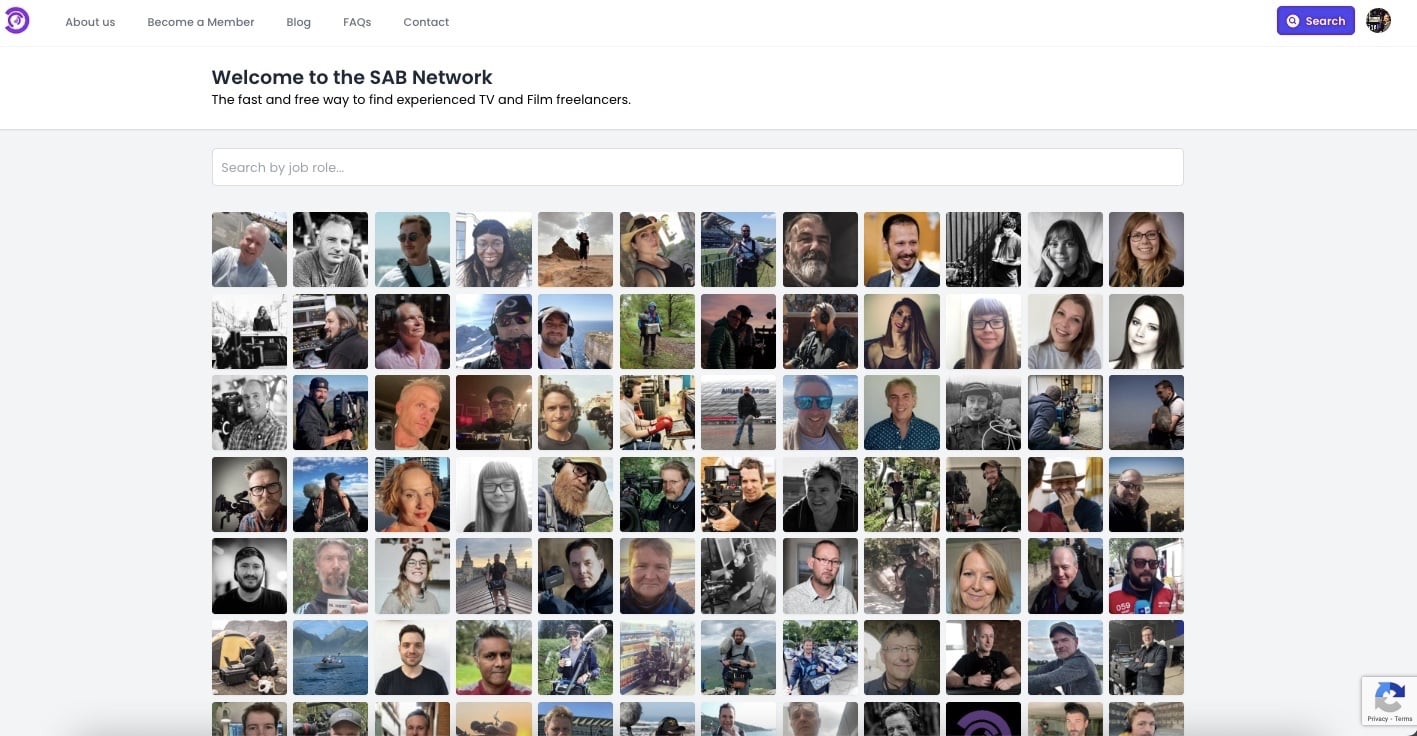
Tagline/Summary
The Summary field is a short (no more than 50 characters) tagline which explains you and your role. Other than your name and profile image, this also appears in the search results and so you want to use this line to tell the client what you do, your focus and speciality at a glance to encourage them to click on your profile.
Best practice tip -
Make your tagline unique to you and try to sell yourself. Take some time to find the perfect 50 characters to get clients to click through to your profile. See a few examples below:
- Sound recordist & drone pilot
- London-based DoP, cinematographer & camera op
- DoP who enjoys shooting in extreme environments
- Award-winning director, DoP & photographer
Search tags
Tags allow you to be discovered through the keyword filtering clients can use when searching for niche skills and services.
You are the expert in what you do and therefore are the best person to define the terms with which you can be found. Include your name for clients who already know you, then go on to list anything a client might find valuable. From licences to languages and previous clients to skills and services.
Best practice tip -
As you begin to write in this field, suggestions will appear below based on existing tags. Be sure to select them if relevant to you. If none appear, select add new tag. Please note, tags are not case sensitive so you should not create variations of the same terms.
Update job roles
This is something that we will have set for you when adding your profile to the system. It is not editable by members.
Should you wish to add or remove job roles from your profile please get in touch with one of the team to discuss it.
Please note: You will only be allowed to add new job roles where you can show experience through credits.
Profile image
Choose a square, quality image. Keep it professional and use an image that shows you in a work context if possible. Our research has shown us that profiles with a high- quality profile photo perform better than those without so make sure it doesn’t look pixelated when you upload.
Biography
Your biography gives you the chance to explain who you are and why you can be trusted to deliver for clients. We recommend keeping this to maximum of 150 words and use the additional sections of your profile to expand on your skills and experience.
Links to web and social
Here you can link to your own website if you have one plus any professional social media accounts you may have.
Enter the full URL for each including the https://
The easiest way to do this is go to your website or social accounts on desktop and then copy the links directly into your profile.
Enter the full URL for each including the https://
The easiest way to do this is go to your website or social accounts on desktop and then copy the links directly into your profile.